


Check out these great freebies!
Available free until May 18th.
Completely customizable projects using MyMemories Suite. Or if you don't have MyMemories Software, you can still download them. The Elements and QuickPages are in .png format and the papers are in .jpg format which are usable in any software and include Quick Pages, and all of the papers and elements used in creating them.
If you would like to try MyMemories Software check out MyMemories Suite, the #1 Rated Scrapbook Software and use my DISCOUNT CODE (STMMMS9893) during your checkout to receive: $10 off the software purchase and a $10 gift certificate to the online store. You can also use this Discount code when purchasing other digital items from their website.
You can follow My Memories Suite at:
|

Monday, 5 May 2014
MyMemories Freebies - May 5 - May 18

Wednesday, 30 April 2014


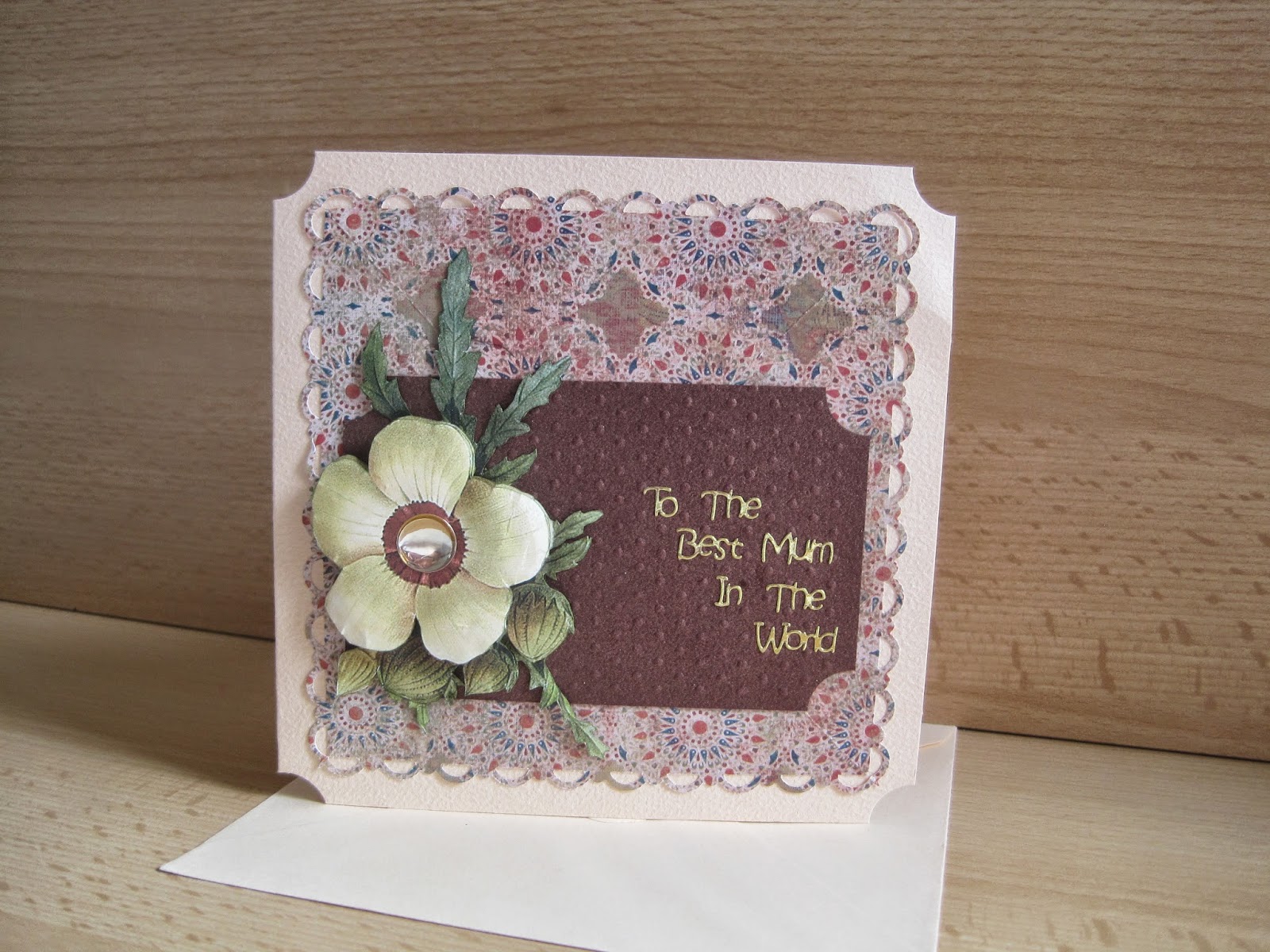
Tuesday, 22 April 2014
Card I made using Magazine Freebies over the years
.jpg) | |||||
Here is a card made using the Newton's Law Bear stamp that was offered
free with Quick Cards Made Easy's Issue 57 in January 2009. If you missed it you can call 0844 8440388 and ask order a back copy of this magazine, if they still have stock.      These cards was made made using a Easter bunny stamp that was offered free with Quick Cards Made Easy's Issue 72 in March 2010. If you missed it you can call 0844 8440388 and ask order a back copy of this magazine, if they still have stock. .JPG) .JPG)      
TO BE CONTINUED
|
This weeks My Memories Suite Freebies
Additional Information about using and downloading these kits
Image Quality High-resolution (print quality) JPG and PNG files (with transparency). Download Options Easy install directly into MyMemories Suite Scrapbooking software. Purchase My Memories Suite scrapbooking software Here or General use installer for other software applications (i.e., Adobe Photoshop & Photoshop Elements, Paint Shop Pro, etc.). Please Note: Album and Photobook templates are intended for installation in the MyMemories Suite software only. The General download will still contain all of the digital paper and page element files and template pages in a flat jpeg format so that you can recreate the template. The layered pre-built pages are not available in the general download. Download Access You do need to create an account on this website as all download options are available after checkout by clicking the “Access Your Downloads” provided on the order confirmation page. You may also access your downloads after logging into the My Account section located at the top right of the website.
STM Freebies - Apr 21 - May 4
|


Tuesday, 8 April 2014
This weeks My Memories Suite Freebies
Additional Information about using and downloading these kits
Image QualityHigh-resolution (print quality) JPG and PNG files (with transparency).
Download Options
Easy install directly into MyMemories Suite Scrapbooking software. Purchase My Memories Suite scrapbooking software Here or General use installer for other software applications (i.e., Adobe Photoshop & Photoshop Elements, Paint Shop Pro, etc.). Please Note: Album and Photobook templates are intended for installation in the MyMemories Suite software only. The General download will still contain all of the digital paper and page element files and template pages in a flat jpeg format so that you can recreate the template. The layered pre-built pages are not available in the general download.
Download Access
You do need to create an account on this website as all download options are available after checkout by clicking the “Access Your Downloads” provided on the order confirmation page. You may also access your downloads after logging into the My Account section located at the top right of the website.


 |
Use the DISCOUNT CODE :STMMMS12755during your checkout and receive:$10 off the soft This award winning software will help you create beautiful albums, projects, and custom gifts in a matter of minutes. |
Wednesday, 26 February 2014
This weeks My Memories Suite Freebies
Additional Information about using and downloading these kits
Image QualityHigh-resolution (print quality) JPG and PNG files (with transparency).
Download Options
Easy install directly into MyMemories Suite Scrapbooking software. Purchase My Memories Suite scrapbooking software Here or General use installer for other software applications (i.e., Adobe Photoshop & Photoshop Elements, Paint Shop Pro, etc.). Please Note: Album and Photobook templates are intended for installation in the MyMemories Suite software only. The General download will still contain all of the digital paper and page element files and template pages in a flat jpeg format so that you can recreate the template. The layered pre-built pages are not available in the general download.
Download Access
You do need to create an account on this website as all download options are available after checkout by clicking the “Access Your Downloads” provided on the order confirmation page. You may also access your downloads after logging into the My Account section located at the top right of the website.


 |
| Add caption |
|
Use the DISCOUNT CODE :STMMMS12755during your checkout and receive:$10 off the soft This award winning software will help you create beautiful albums, projects, and custom gifts in a matter of minutes. |
Thursday, 20 February 2014
Applied fo a position as part of a design team
I thought I would brave it and apply for a position as part of my Favourite Magazine Design team.
Please support me on this one and wish me well, it will be an honour to create for them:)
WANTED! Take It, Make It Challenge Design Team!
Craft Stamper magazine are looking to recruit a dedicated design team for our Take It, Make It Challenge, which will soon be going monthly!!!


Tuesday, 11 February 2014
This weeks My Memories Suite Freebies
Additional Information about using and downloading these kits
Image QualityHigh-resolution (print quality) JPG and PNG files (with transparency).
Download Options
Easy install directly into MyMemories Suite Scrapbooking software. Purchase My Memories Suite scrapbooking software Here or General use installer for other software applications (i.e., Adobe Photoshop & Photoshop Elements, Paint Shop Pro, etc.). Please Note: Album and Photobook templates are intended for installation in the MyMemories Suite software only. The General download will still contain all of the digital paper and page element files and template pages in a flat jpeg format so that you can recreate the template. The layered pre-built pages are not available in the general download.
Download Access
You do need to create an account on this website as all download options are available after checkout by clicking the “Access Your Downloads” provided on the order confirmation page. You may also access your downloads after logging into the My Account section located at the top right of the website.

| ||||||||||||||||||||||||||||||||||||||||||||||||||
Use the DISCOUNT CODE :STMMMS12755during your checkout and receive:$10 off the soft This award winning software will help you create beautiful albums, projects, and custom gifts in a matter of minutes.What's New in MyMemories Suite?
MyMemories Suite 5 Feature List
MyMemories Suite 5 scrapbooking software provides the design
tools that will help you to build entire albums effortlessly using the
many installed templates, or starting your own pages from scratch. This
user-friendly software is great for beginners and design pros alike.
Installation
Computer System
Requirements
Prior to installing MyMemories Suite 5, ensure that your computer
meets the following technical specifications:
Windows:
� Windows� XP, Windows Vista�,
Windows�
7, Windows� 8
� Pentium� IV 2 GHz or better or comparable AMD
processor
� 2 GB RAM
� 64 MB Video RAM
� DVD-ROM drive
� Available Hard Disk Space: 10 GB
Macintosh:
� OS X 10.6.8 or later (with the latest JavaTM updates)
� Intel� Core� 2 Duo 2 GHz or better processor
� 2 GB RAM
� 64 MB Video RAM
� DVD-ROM drive
� Available Hard Disk Space: 10 GB
System Settings
� Monitor Resolution: 1152 x 864 or higher
Other Recommendations
� Broadband Internet
� Digital Camera
� Printer
�
Scanner
 |


Subscribe to:
Posts (Atom)